From a Change in Light to a Number on Screen
See how a light sensor turns incoming light into a brightness reading, and why that number describes a device’s measurement rather than light itself.
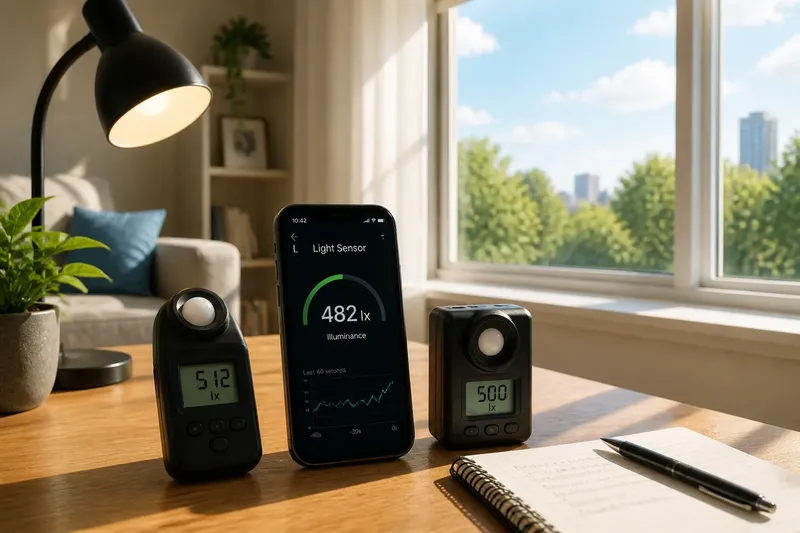
How does a light sensor turn incoming light into a brightness reading? In a phone camera, a light meter, or an automatic display, light reaches a sensing element, changes an electrical signal, and passes through processing before a number appears. That number is useful, but it is not light itself: it reflects what the device could detect under its own conditions.
What happens when light reaches a sensing element?
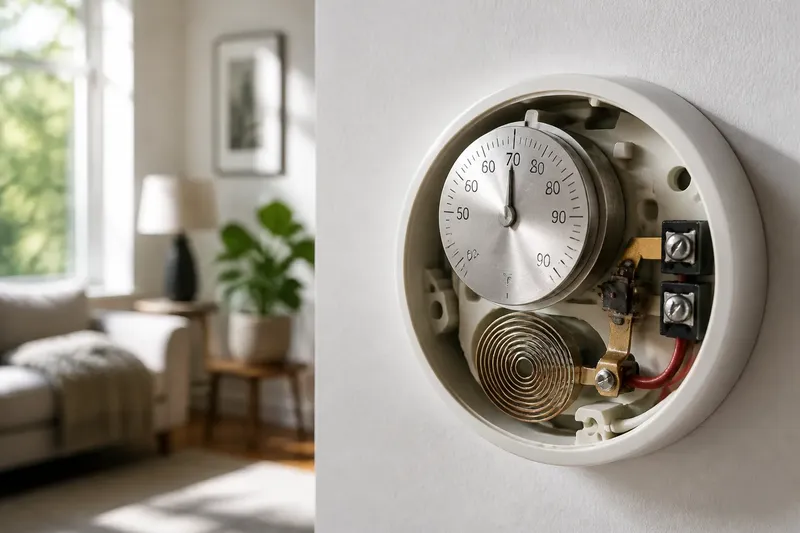
A sensing element responds to light by producing a change that electronics can register. In many common sensors, incoming photons affect charge in a semiconductor, such as the photodiodes used in camera image sensors. The response may appear as accumulated electrical charge or as a current related to the light received.
The element does not recognize a lamp, a window, or a white wall. It responds to light that reaches its active area, including light filtered by the device’s lens, cover, or other optical parts. The sensor’s material and design influence which parts of the light spectrum contribute to that response.
That distinction matters because the same scene can produce different sensor responses in different devices. A camera sensor designed to capture color, a simple ambient-light sensor, and a dedicated light meter can process incoming light in different ways even when pointed at the same surface.
How does an electrical response become a brightness reading?
Electronics first collect or convert the sensor’s response into a measurable signal. An analog-to-digital converter then represents that signal as a digital value. The device can adjust that value for its intended use, such as estimating scene brightness or deciding how strongly to illuminate a screen.
In a camera, processing can also account for exposure settings, color filters, and the sensor’s response pattern. A camera’s displayed brightness value may describe a pixel, a region, or a calculated estimate for the whole frame. The label on the screen tells you what the software chose to report, not necessarily a direct reading from one sensing element.
For an automatic display, the reading may be used as a control input rather than shown to the user. Software can smooth changing readings so the screen does not react sharply to every passing shadow. The resulting display brightness is a decision based on the sensor signal, not a visual copy of the light that entered the sensor.
Why isn’t the number the light itself?
A sensor reports a response shaped by its own sensitivity, position, optics, and processing. It does not capture every aspect of the light field: direction, spectrum, and distribution across a room may be simplified or omitted. Even a reading expressed in a familiar unit depends on how the instrument is designed and calibrated.
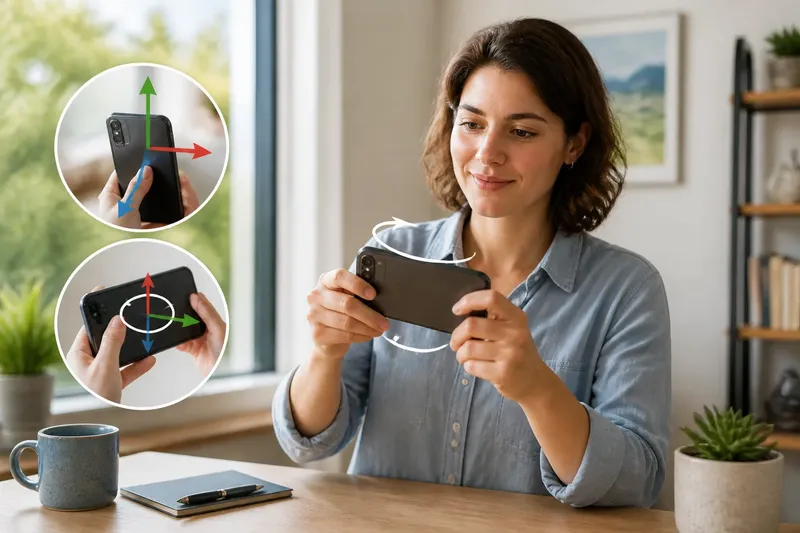
Consider an invented situation: you place a phone beside a desk lamp and note its ambient-light reading, then turn the phone so the sensor faces a bright window. The number may rise because more light reaches the sensor, but the change describes the phone’s response at its new position and orientation. It does not establish the brightness of every part of the room.
Screen brightness can complicate the comparison. A display may look brighter in a dim room because your eyes adapt, while its ambient-light sensor reports less incoming light. The sensor reading concerns light arriving at the device; the screen setting concerns light emitted by the display.
What can make two readings differ?
Several ordinary conditions can alter a reading without any change to the source of light:
- Position: Move the device closer to or farther from a nearby lamp, and the amount reaching the sensor may change.
- Direction: Turn the sensor away from a window or place a hand over it, and less light may reach its active area.
- Obstructions: A case edge, screen protector, dust, or a tinted cover can block or filter incoming light.
- Light color: A sensor may respond differently to warm and cool sources even when they appear similarly bright to you.
- Processing: Automatic exposure, smoothing, or a selected camera mode can change the number shown or how quickly it changes.
For a useful comparison, keep the device in the same position and orientation, avoid covering the sensor, and note what the app or screen says it is displaying. If the readings still differ across devices, that may reflect differences in sensor design or processing rather than a faulty instrument.
Which brightness reading should you trust for a task?
Use a reading suited to the decision you need to make. A phone’s ambient-light value can help explain why its display changes, but it may not be the right tool for assessing a workspace or comparing lighting across a room. A dedicated light meter is designed for measurement tasks, though its range, response, and instructions still matter.
If you need to compare locations, place the sensor at the same height and orientation at each spot, and avoid casting a shadow over it. Record the reading alongside the device and mode used. This keeps the comparison meaningful without implying that one number describes all the light in a space.
For a device’s own behavior, observe the reading and the resulting action together. If an automatic screen becomes brighter near a window, the sensor signal is being used as an input to a control decision; the displayed brightness is not a second measurement of the window.
What questions do readers ask about light sensor numbers?
Does a higher number always mean a brighter room?
It usually indicates a stronger response under that device’s measurement method, but it may not represent the room as a whole. Sensor placement, direction, spectral sensitivity, and software processing can all affect the value.
Can a phone measure light accurately?
A phone can provide a useful estimate for everyday comparisons if its sensor and app expose a meaningful reading. For work requiring a specified measurement method, use an instrument suited to that task and follow its operating instructions.
Why does the reading change when I rotate my device?
The sensor may receive a different amount of light when its direction changes, especially near a window or a small lamp. The device may also have several sensors or optical openings, so rotation can alter which one contributes to the reported value.
Is screen brightness the same as ambient brightness?
No. Ambient brightness describes incoming light as estimated by a sensor, while screen brightness describes light emitted by the display or a setting that controls it. An automatic display may use the first to adjust the second.
How should you read the number on screen?
Read a brightness value as a device-made estimate with a defined purpose, not as a complete description of light. Check what the app or instrument claims to report, keep comparisons consistent, and treat abrupt changes as clues to investigate the sensor’s position or the device’s processing.
That approach makes a light sensor’s number practical: it can help explain an automatic adjustment, compare conditions in a controlled way, or guide a suitable measurement. The useful question is not whether the display has captured light itself, but whether its reading is fit for the decision in front of you.